
OneKEY connects access across the entire store.
Connect retail security devices, access credentials, and software into one intelligent ecosystem with centralized visibility and control.
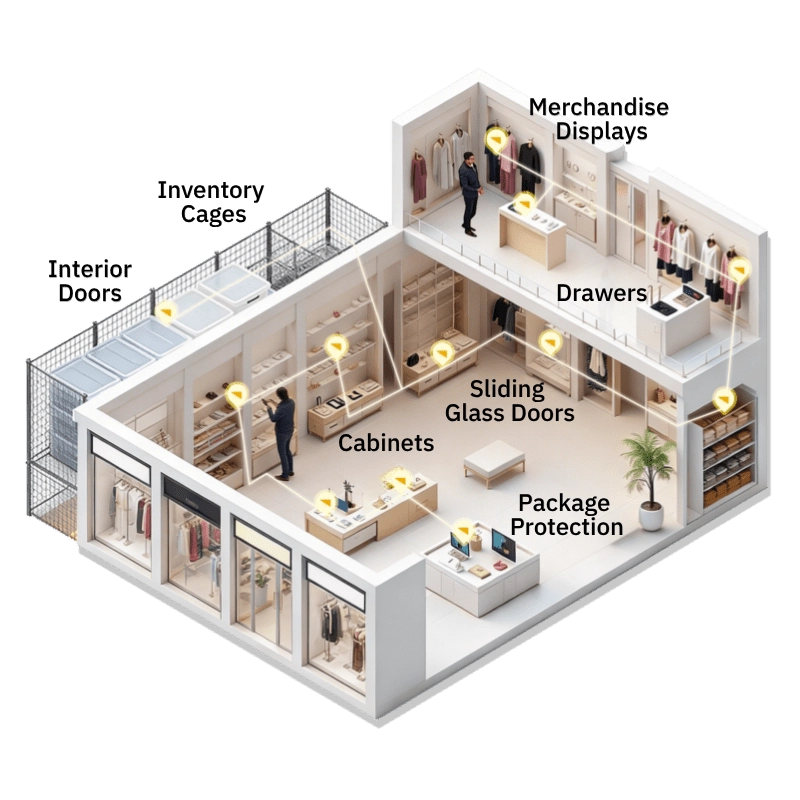
Eliminate delays caused by physical keys and limited associate access.
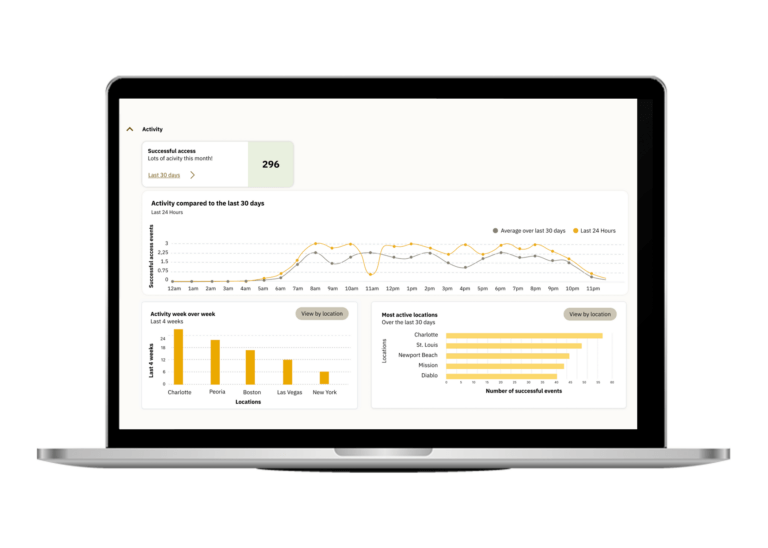
Track access activity across devices, departments, and stores.
Secure merchandise without sacrificing the customer experience.


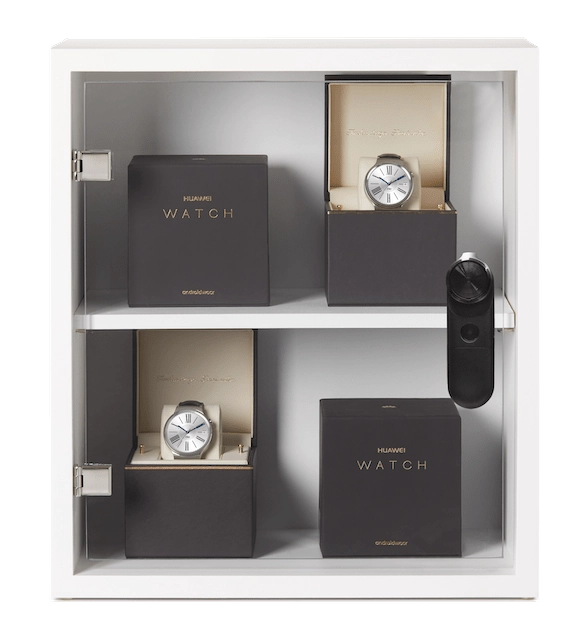
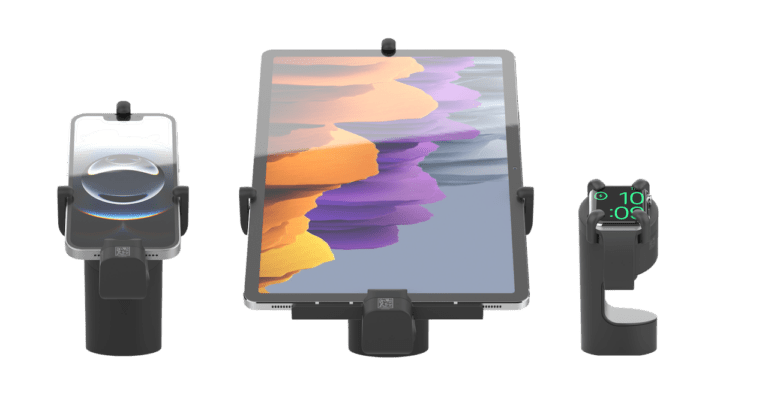
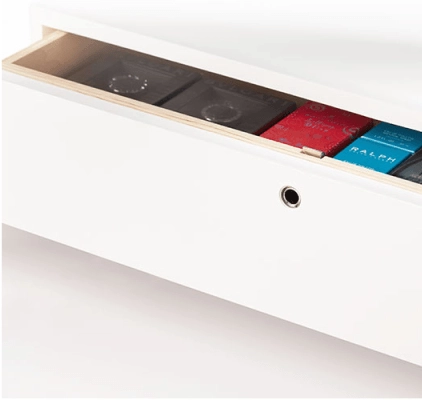
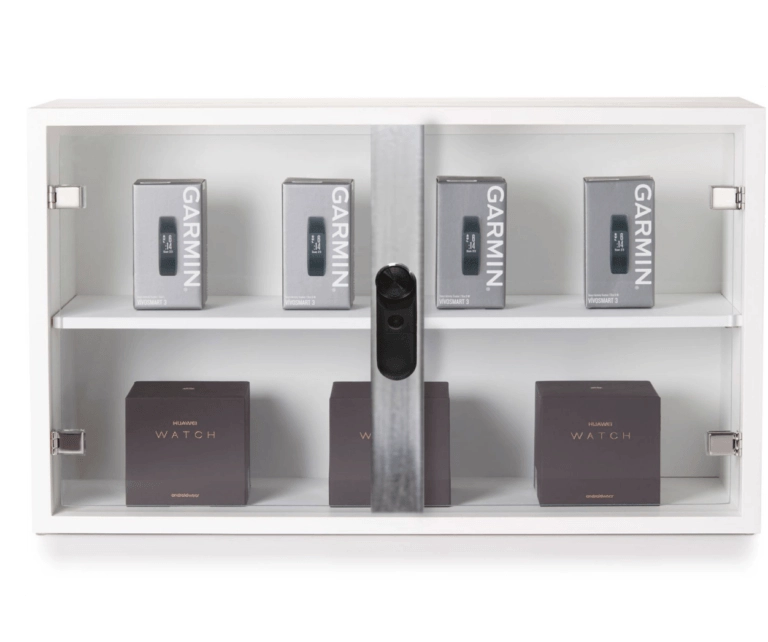
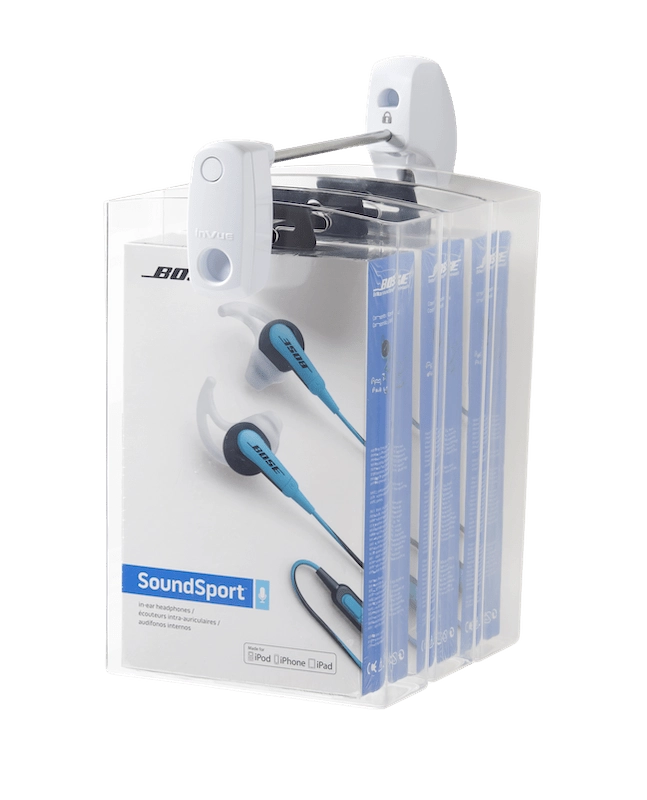
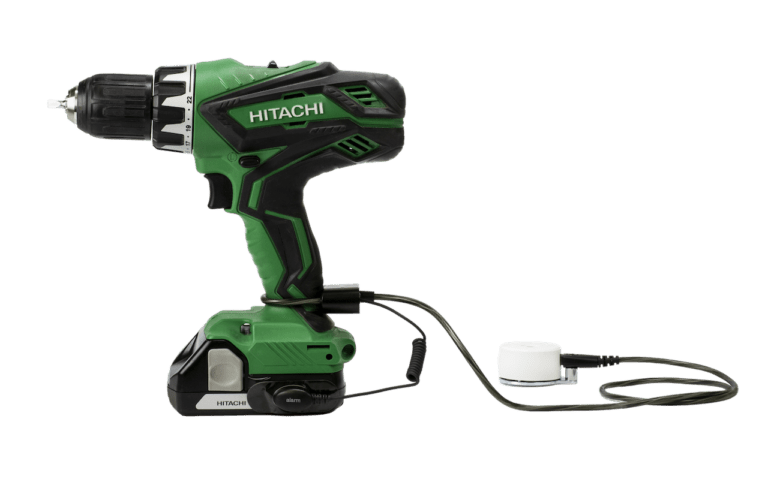
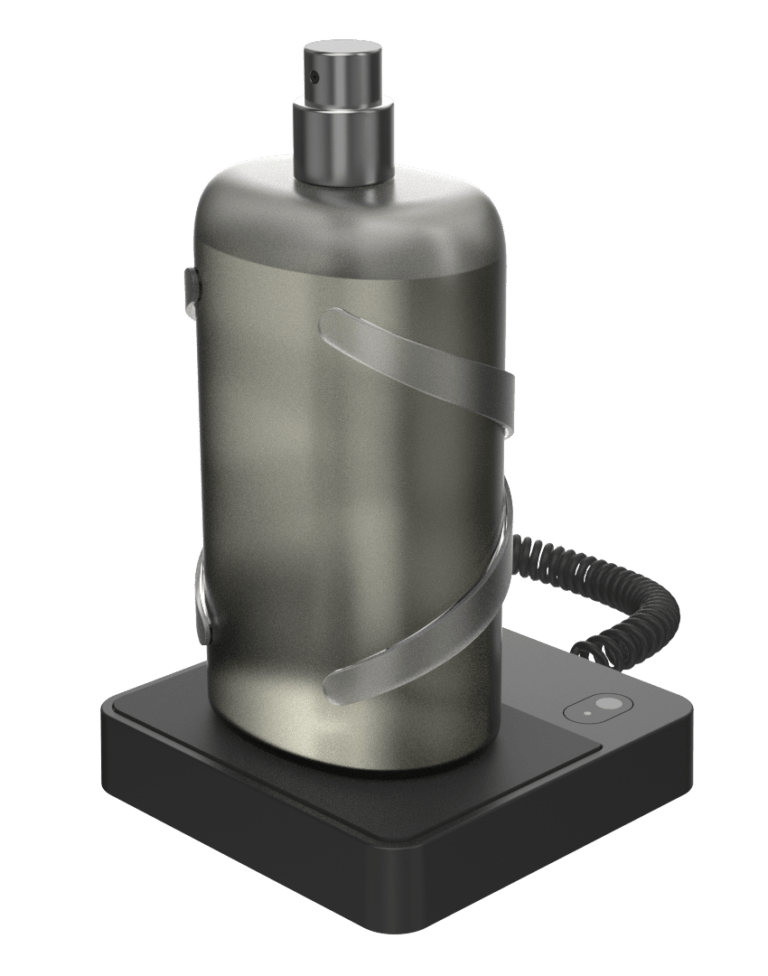

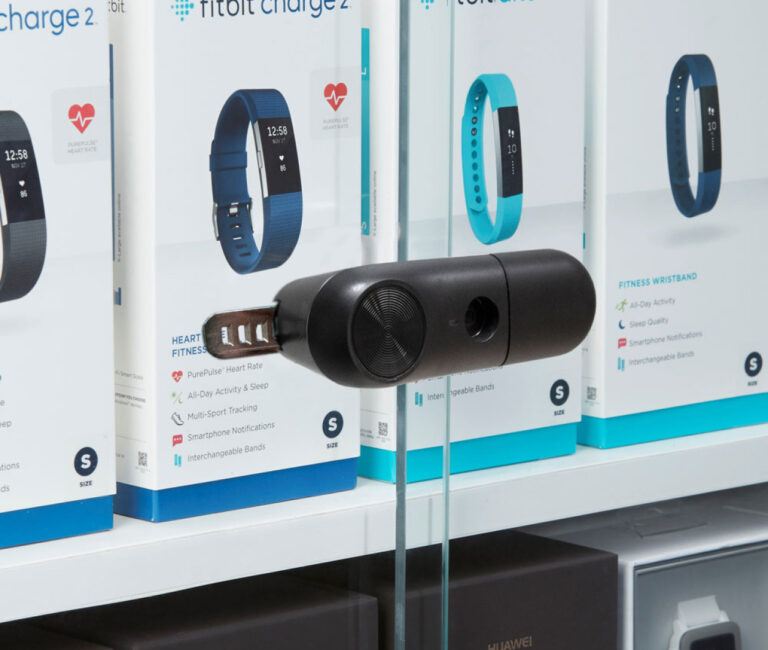


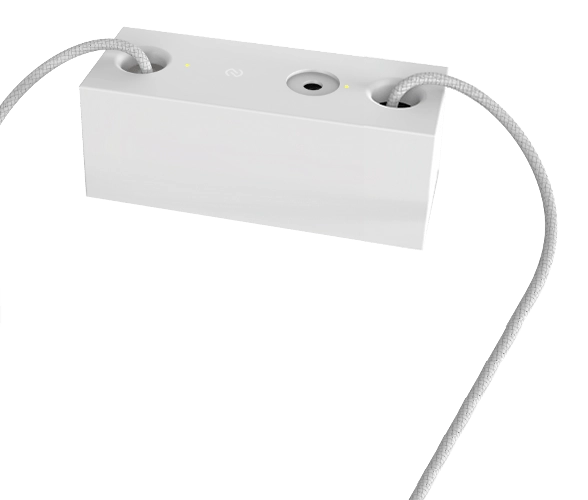
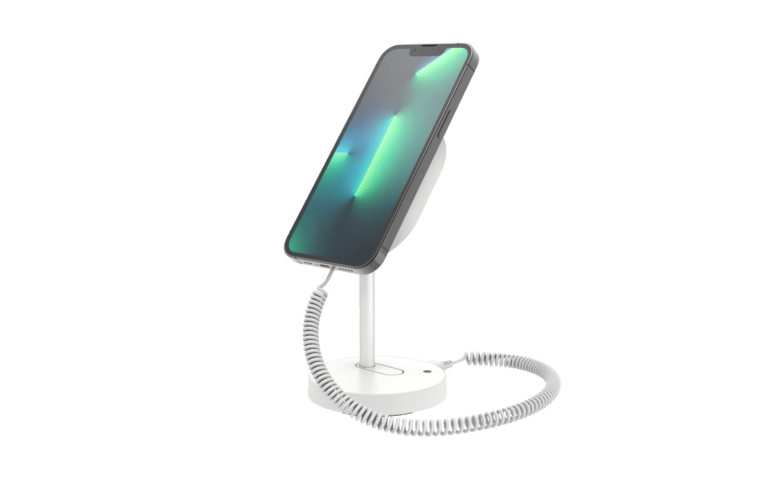
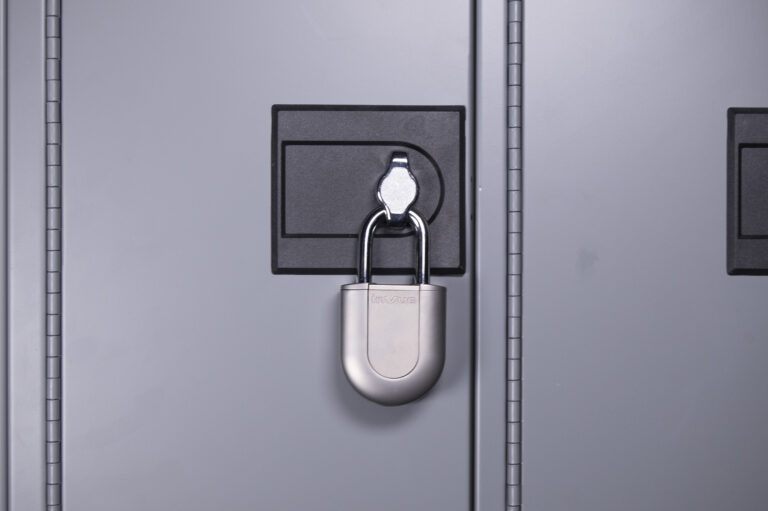
Multiple Ways to Gain Access












.
“Thanks to the InVue technology, the customer can try the product without barriers. Additionally, the OneKEY ecosystem allows us to enable and disable all the devices and locks in the store.”


“Before we had a key ring with 10 keys and now, we only have one key for all showcases and the alarm system. That is ingenious.”
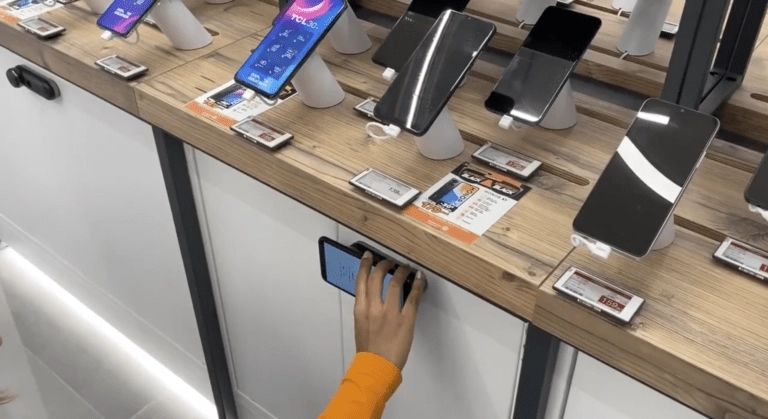

“We can easily view inventory we have in store, which allows us to better assist customers in finding the perfect outfit. At the end of the day, we can review the sales revenue and that makes us very happy.”
.
“Thanks to the InVue technology, the customer can try the product without barriers. Additionally, the OneKEY ecosystem allows us to enable and disable all the devices and locks in the store.”
“Before we had a key ring with 10 keys and now, we only have one key for all showcases and the alarm system. That is ingenious.”
“We can easily view inventory we have in store, which allows us to better assist customers in finding the perfect outfit. At the end of the day, we can review the sales revenue and that makes us very happy.”
.
“Thanks to the InVue technology, the customer can try the product without barriers. Additionally, the OneKEY ecosystem allows us to enable and disable all the devices and locks in the store.”
“Before we had a key ring with 10 keys and now, we only have one key for all showcases and the alarm system. That is ingenious.”
“We can easily view inventory we have in store, which allows us to better assist customers in finding the perfect outfit. At the end of the day, we can review the sales revenue and that makes us very happy.”
Not sure where to start? We’re here to help. Our team of experts can help you with everything you need.
Please complete the form below and someone from our team will be in contact shortly.
Yes, the OneKEY provides several layers of security, including Site Defined Codes, which prevent a key from another site/location from being used. Each user can be assigned a pin code to check-out a key, and each OneKEY expires automatically after a configurable amount of time (up to 24 hours).
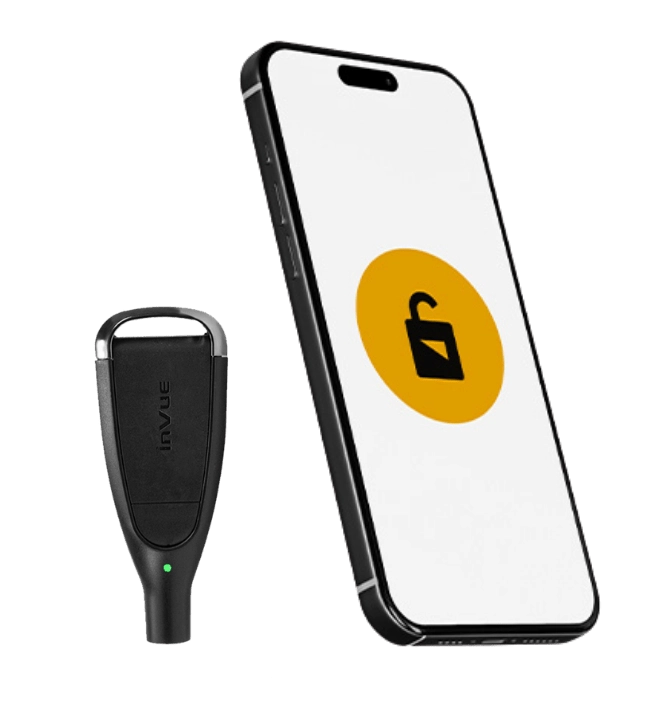
There are two options for checking-out (activating) a OneKEY:
1. Each key can be checked-out using the OneKEY Manager (OKM) as part of a connected solution ecosystem that includes the LIVE Access Software.
2. For a disconnected solution with no software, the OneKEY (IR) Programming Station can be used as an alternative.
Each OneKEY (IR4) will support roughly 350 key presses on a single charge. If the battery on a key is depleted, simply check-out a new key to continue operations and add the original key to the available charging bay.
OneKEY is designed to be active for a period of time (up to 24 hours). If a key is lost or stolen, it will automatically expire and must be re-activated at the Programming Station / OneKEY Manager before it can be used again.
InVue does offer a “LIVE” version of the OneKEY that can be de-activated remotely over a LoraWAN network, allowing the key to be de-activated in real-time, rather than waiting for it to expire.